Call Us: +91-7042640351, 9891868324

Spill Damage on HP Chromebook Keyboard: Repair or Replace?
By Admin | 07 Feb 2026
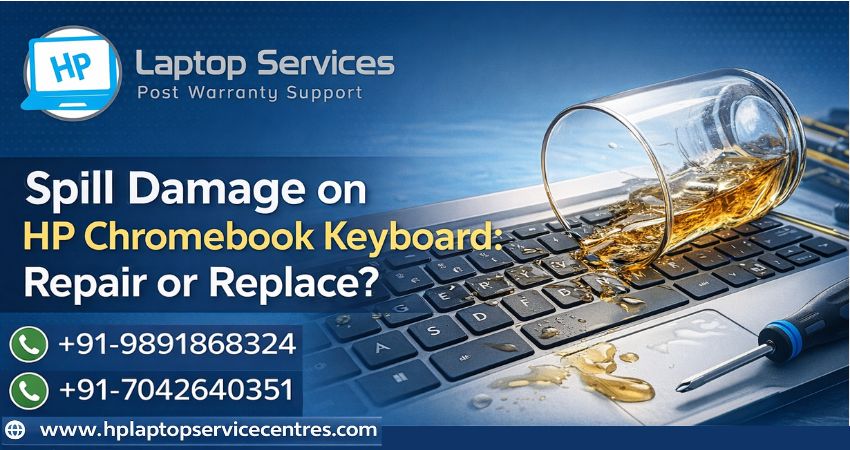
Accidental liquid spills are one of the most common reasons HP Chromebook users face sudden keyboard issues. Whether it’s water, tea, coffee, or juice, a spill can instantly stop your hp chromebook keyboard from working properly. The big question most users ask after a spill is: Should I repair the keyboard or replace it entirely?
In this detailed guide, we’ll break down how spill damage affects a Chromebook HP keyboard, signs to watch for, repair vs replacement costs, and when expert help becomes necessary.
How Liquid Spills Damage an HP Chromebook Keyboard
HP Chromebooks are designed for everyday productivity, but they aren’t waterproof. When liquid enters the chromebook hp keyboard, it seeps beneath the keys and reaches the internal circuits.
Here’s what typically happens:
- Liquid causes short circuits on the keyboard membrane
- Sticky residues form after drying, leading to stuck keys
- Corrosion starts developing on connectors and circuits
- Keys may stop responding or type random characters]
Even a small spill can cause long-term damage if not handled correctly.
Immediate Steps to Take After a Spill
If liquid spills on your keyboard hp chromebook, acting fast can significantly reduce damage.
- Power off immediately – Shut down the Chromebook and unplug the charger
- Flip the laptop upside down – Let gravity drain excess liquid
- Avoid using a hair dryer – Heat can push liquid deeper inside
- Do not press keys repeatedly – This can spread the liquid
- Let it dry naturally for at least 24 hours
Many users make the mistake of turning the device back on too quickly, which often worsens the damage.
Signs Your HP Chromebook Keyboard Is Damaged
Not all spill damage is obvious at first. Some problems appear days later. Watch out for these symptoms:
- Certain keys not working
- Keys typing multiple characters
- Sticky or hard-to-press keys
- Keyboard stops responding completely
- Chromebook turns on but input doesn’t work
If you notice these issues, your hp chromebook keyboard likely needs professional attention.
Repair vs Replace: What’s the Right Choice?
When Keyboard Repair Is Enough
Repair is possible when:
- The spill was minimal (water, no sugar content)
- Damage is limited to a few keys
- No corrosion has formed on internal components
A professional technician can clean the keyboard membrane and connectors, restoring normal functionality at affordable rates.
When Keyboard Replacement Is the Better Option
Replacement is recommended when:
- The spill involved sugary or acidic liquids
- Multiple keys have failed
- Corrosion has already started
- Keyboard is completely unresponsive
In such cases, replacing the chromebook hp keyboard ensures long-term reliability and prevents recurring issues.
Why DIY Fixes Often Fail
Many users search online for DIY solutions after spill damage. While cleaning the surface may help temporarily, internal damage usually remains.
DIY risks include:
- Further short circuits
- Broken keyboard connectors
- Voiding warranty
- Incomplete cleaning of corrosion
Professional diagnosis is always safer for your keyboard hp chromebook.
Importance of Professional HP Chromebook Keyboard Repair
Certified technicians have:
- Proper tools for internal cleaning
- Experience with Chromebook keyboard layouts
- Access to compatible replacement keyboards
- Knowledge of spill-related motherboard risks
This ensures your device is handled safely without causing additional damage.
Why Choose HP Laptop Service Centers?
If you’re facing spill damage on your HP Chromebook keyboard, HP Laptop Service Centers provide reliable and hassle-free solutions.
What We Offer:
- Affordable rates with transparent pricing
- Doorstep services for convenience
- Out-of-warranty repairs available
- Multi-laptop brand repair services under one roof
Dell, Lenovo, Acer, Asus, Apple, Samsung - Skilled technicians experienced in HP Chromebook repairs
Whether you need keyboard cleaning, repair, or full replacement, expert support ensures your Chromebook works like new again.
Call Now: +91-7042640351 | +91-9891868324
How to Prevent Future Keyboard Spill Damage
Prevention is always better than repair. Follow these tips:
- Keep liquids away from your Chromebook
- Use a keyboard cover
- Avoid eating or drinking near the laptop
- Shut down immediately if a spill occurs
- Schedule regular maintenance checks
These simple habits can extend the life of your hp chromebook keyboard significantly.
Final Verdict: Repair or Replace?
If the spill was minor and detected early, keyboard repair might work. However, for major spills or long-term issues, replacing the chromebook hp keyboard is the smarter and safer option.
Getting professional help at the right time not only saves money but also prevents permanent damage to your device.
If your keyboard hp chromebook has suffered spill damage, don’t wait—reach out to HP Laptop Service Centers today for expert, doorstep assistance at affordable prices.
Find us on Google - BSS Laptop Repair Center
Recent Post










Looking For A Fast & Reliable Laptop Repair Service
We have professional technicians, fast turnaround times and affordable rates. Book Your Repair Job Today!
We specialize in all types of laptop services and provide reliable and quality door step service to our clients